Screenshots
See it in action
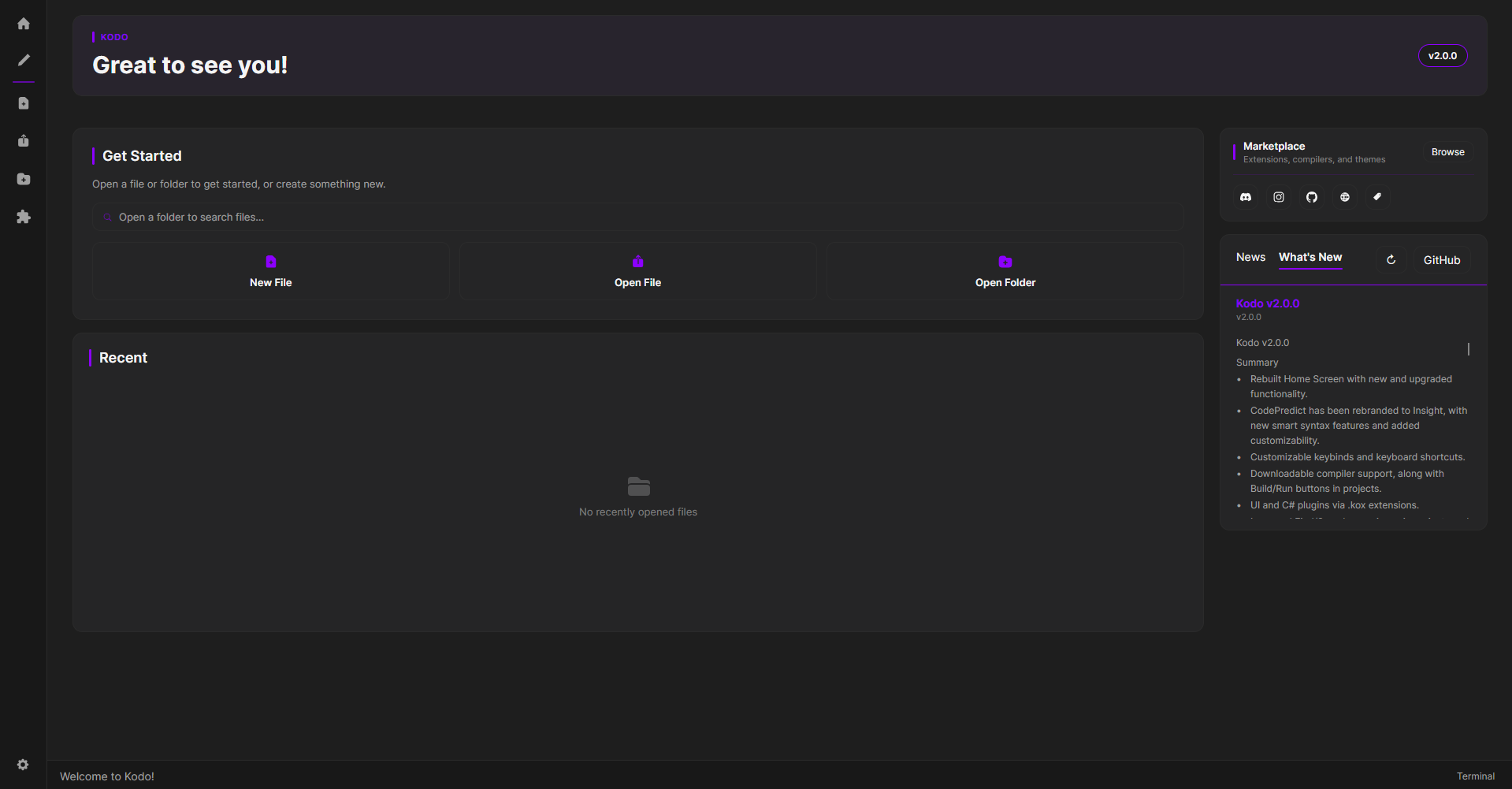
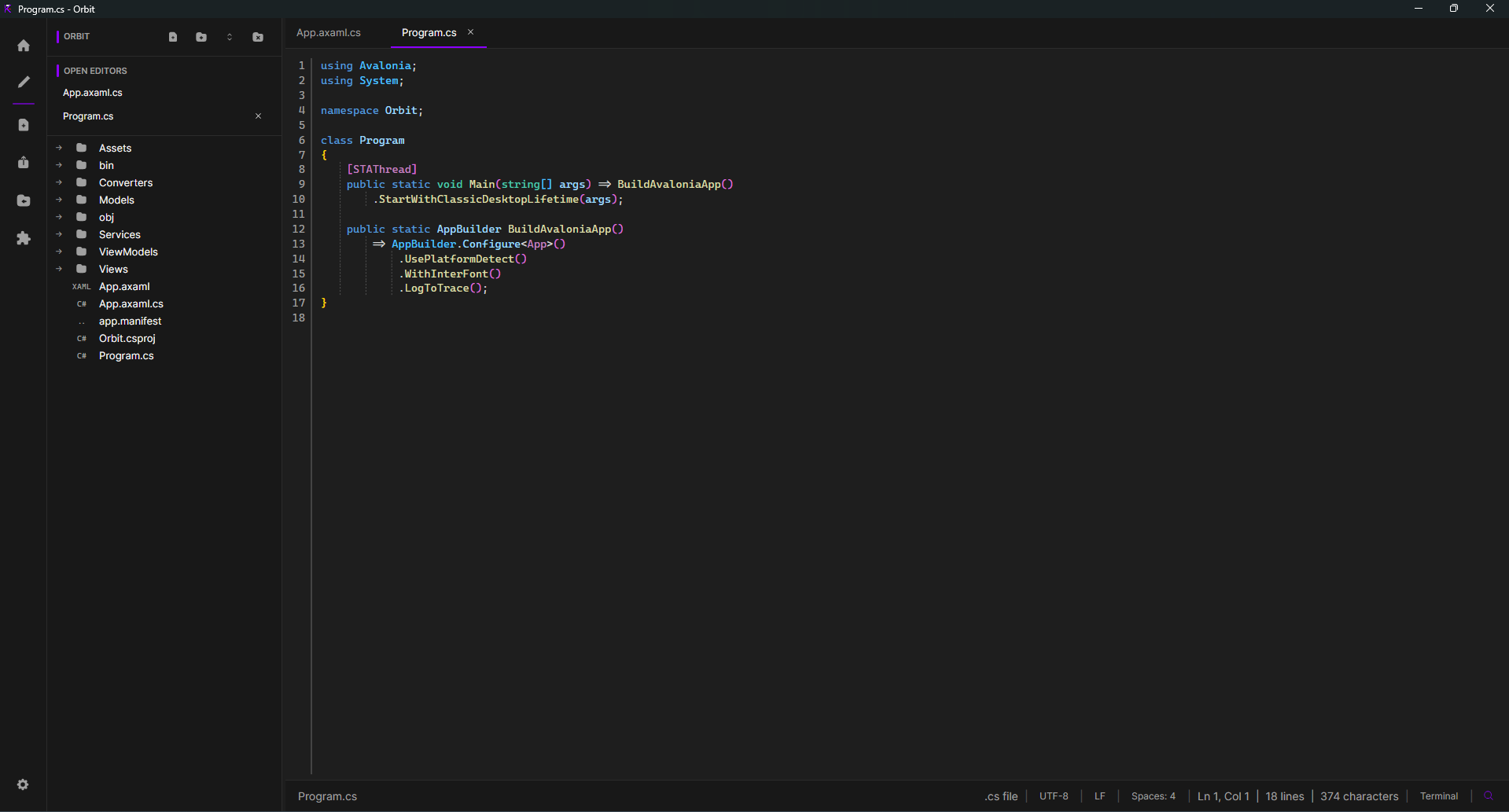
FOSS IDE
Kodo is a fast, lightweight code editor built by KerbalMissile and SS-YYC. Open a file or folder, install language support and themes from the marketplace, and keep moving with tabs, autosave, Insight code prediction, Build/Run support, and a built-in terminal.
What you get
Kodo's smart assistant - powered by .kox extensions - predicts code, highlights unused code, and detects errors. Fully customizable per file type from a dedicated settings panel.
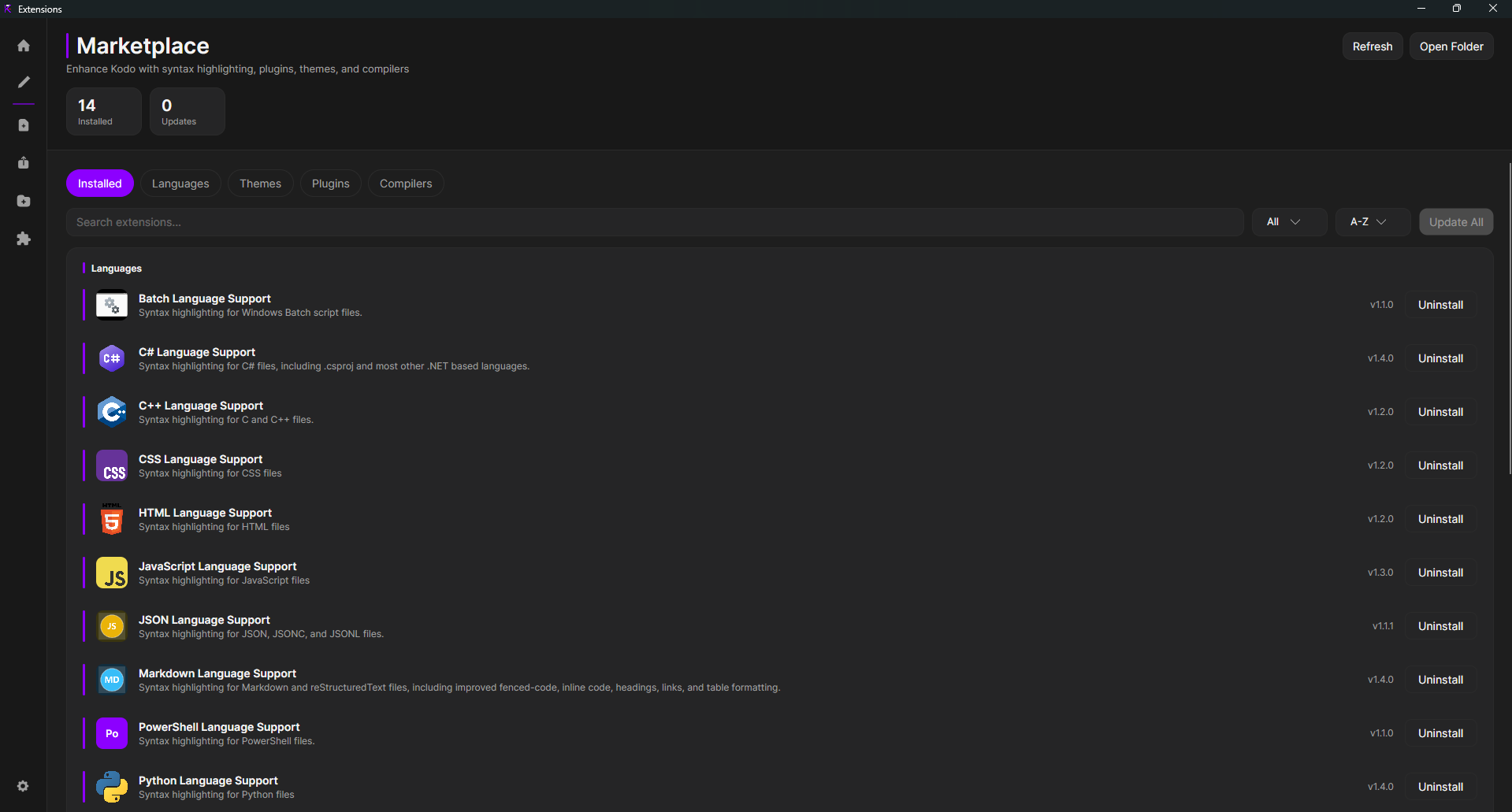
Browse languages, themes, and compilers inside the app, or drop in your own .kox files. Extensions can now add UI elements and C# code.
Compile and run your project with one click. Specify custom commands or link batch scripts via the dropdown - compilers on your system are picked up automatically.
Folders, a resizable file explorer, recent files, and tab restore in an interface that stays out of the way. The file tree updates automatically when files change outside Kodo.
Customizable keybinds, a built-in colour picker, overhauled find/search (file, project-wide, by name), autosave, and expanded right-click menus across the editor, tabs, and terminal.
Themes, an embedded terminal, optional Discord Rich Presence, and a Performance Mode that debounces searches and disables heavy panels when you need speed.
Kodo checks GitHub releases on its own and keeps both the editor and your installed extensions current without getting in your way.
Open image files right inside the editor and zoom in without switching to another app.
No accounts, and anonymous usage analytics stay off unless you opt in - Kodo asks once and never tracks silently.
Screenshots
Extensions
Kodo loads syntax highlighting, themes, compilers, and now UI and C# code through `.kox` extensions, with marketplace browsing built right into the app. Open a file, install what you need, and let Kodo match the right highlighting and Insight suggestions automatically.
Browse official extensionsLanguage support adds highlighting, Insight predictions, and build detection for covered files.
Get started
.kox extensions.